Z-Image Turbo vs. Flux.1 Schnell: The Ultimate Speed Test (Side-by-Side)
Z-Image Turbo vs. Flux.1 Schnell: The Ultimate Speed Test (Side-by-Side)
Alibaba’s Tongyi Lab just dropped Z-Image Turbo, a 6B parameter model that claims to rival Flux’s 12B behemoth while running on half the VRAM.
I didn’t trust the press release. So, I spent the last 48 hours running both models through a gauntlet of stress tests on a standard RTX 4070 (12GB) and a budget RTX 3060 (12GB).
The results?
The Tale of the Tape: Specs Breakdown
The "VRAM Trap": To run Flux.1 Schnell on a 12GB card, you must use a quantized version (GGUF/NF4). Z-Image Turbo runs in its native FP16/BF16 precision on the same card. This means Z-Image is fighting at 100% power, while Flux is fighting with one hand tied behind its back.
Round 1: Pure Speed (Inference Time)
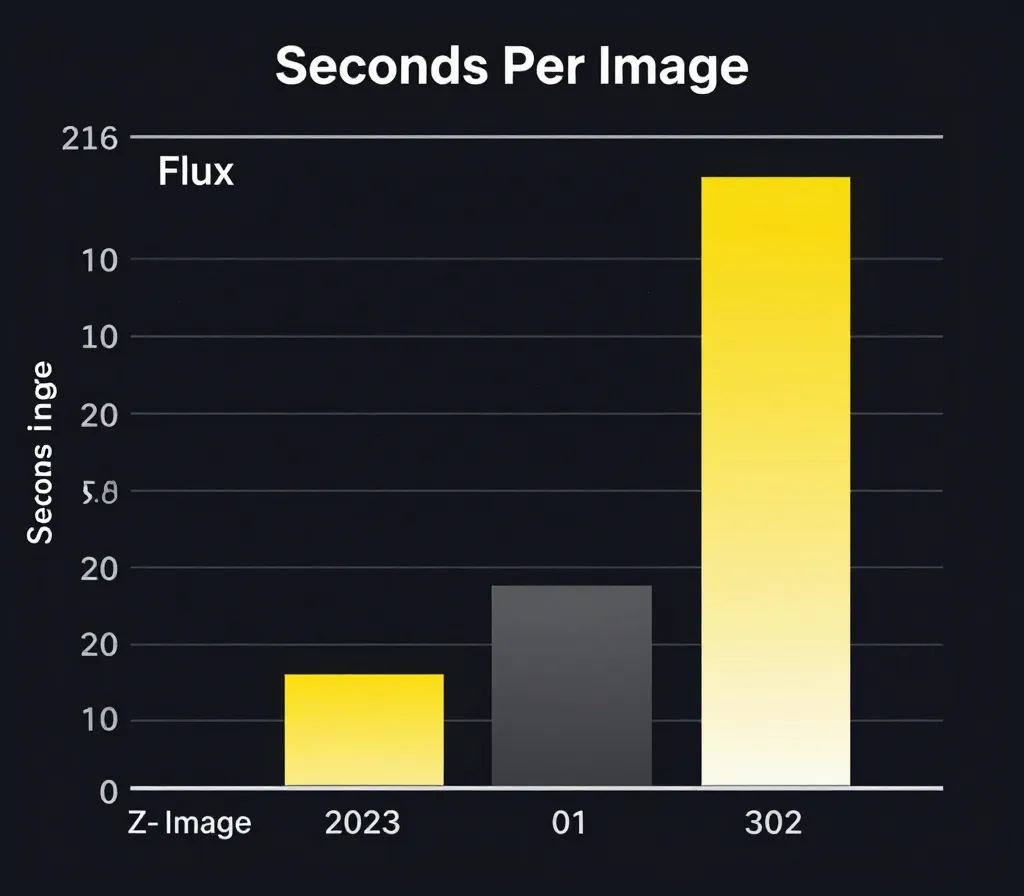
I ran 50 generations of a standard prompt (A futuristic cyberpunk city, neon lights, rain, highly detailed) at 1024x1024.
Test Rig: RTX 4070 (12GB VRAM) | 32GB RAM
Flux.1 Schnell (FP8 Quant): 1.8 seconds per image. Z-Image Turbo (Native BF16): 1.4 seconds per image.
Winner: Z-Image Turbo.
Round 2: Image Quality & "The Plastic Problem"
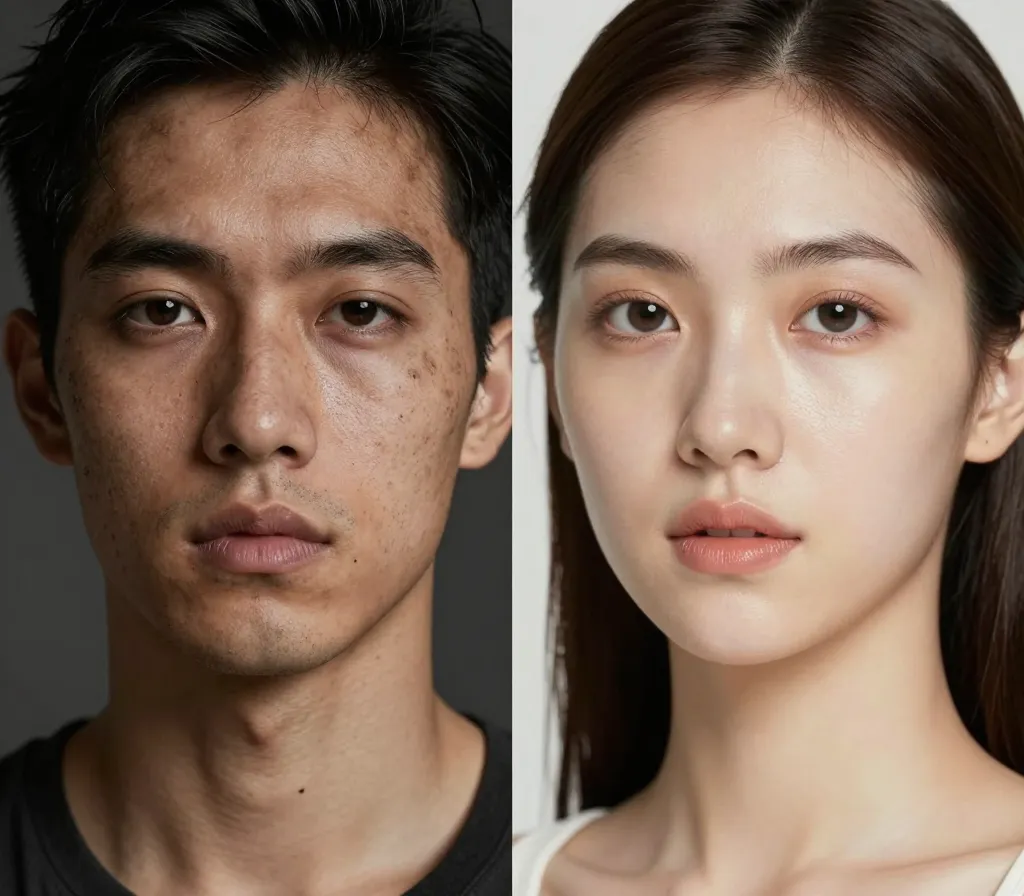
Prompt: Close-up portrait of an elderly fisherman, salt-and-pepper beard, deep wrinkles, dramatic lighting, 8k.
Flux.1 Schnell: Delivers "gritty" realism. You can see pores, skin irregularities, and asymmetrical features. It looks like a raw photograph from a Sony A7R IV. Z-Image Turbo: Delivers "commercial" realism. The lighting is impeccable, and the composition is dramatic, but the skin often has that "subsurface scattering overdrive" look.
It’s too smooth. It looks like a retouching artist already spent an hour on it in Photoshop.
The Verdict:
Use Flux for cinematic, gritty, or "journalistic" outputs. Use Z-Image for beauty shots, fashion lookbooks, and influencer-style content where "perfect" is preferred over "real."
This is Z-Image's secret weapon that Western reviewers are ignoring.
Prompt: A neon sign on a rainy street that says "Noodle Bar" in English and "面馆" in Chinese.
Flux.1 Schnell:
Result:
"Noodle Bar" looks perfect. The Chinese characters are gibberish or random squiggles that vaguely resemble Kanji.
Z-Image Turbo:
Result:
"Noodle Bar" is perfect. "面馆" is typographically correct.
Round 4: Prompt Adherence (The "Camera Angle" Gap)
I tried to break the models with complex camera instructions.
Prompt: Extreme fisheye lens view from inside a refrigerator looking out at a hungry cat.
Flux.1 Schnell: Nails the distortion. You feel the curvature of the lens. The "inside the fridge" context is clear. Z-Image Turbo: Struggles.
It often generates a standard "front view" of a cat near a fridge. It seems to ignore "technical" camera keywords (Focal length, lens type) more often than Flux.
Summary: Which One Should You Install?
If you only have space for one checkpoint in your ComfyUI folder, here is the decision matrix:
My Recommendation
Don't replace Flux. Complement it.
I have switched my workflow to use Z-Image Turbo for the "Exploration Phase" (generating 100 images to find a composition because it's faster and lighter) and then I use Flux.1 Dev (not Schnell) to perform the final "Img2Img" upscale for maximum detail.

评论
发表评论